You bring the product.
Make the world yours.
From a source photo to a branded collection for your product page, campaign and social feed.
From product photo
to finished shot.
Five steps. Every creative decision is yours.
Upload your product.
Start with a clear product photo. Add your brand name, brand colour and the materials or details to preserve.

JPG, PNG or WebP · 10 MB
Choose the location.
Explore 50 new scenes across nature, city, studio, abstract and space. Or describe a setting and save the prompt in your own library.
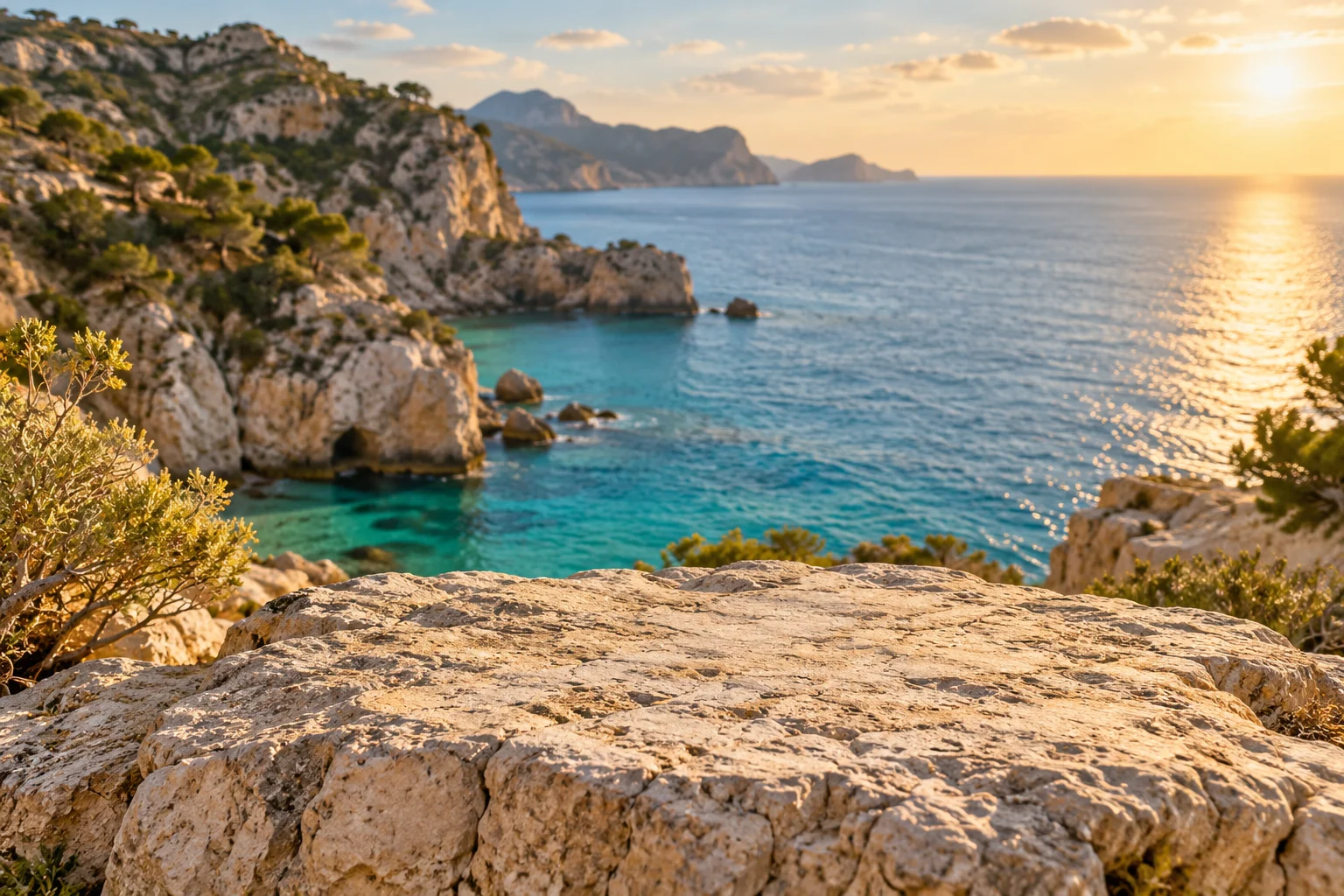
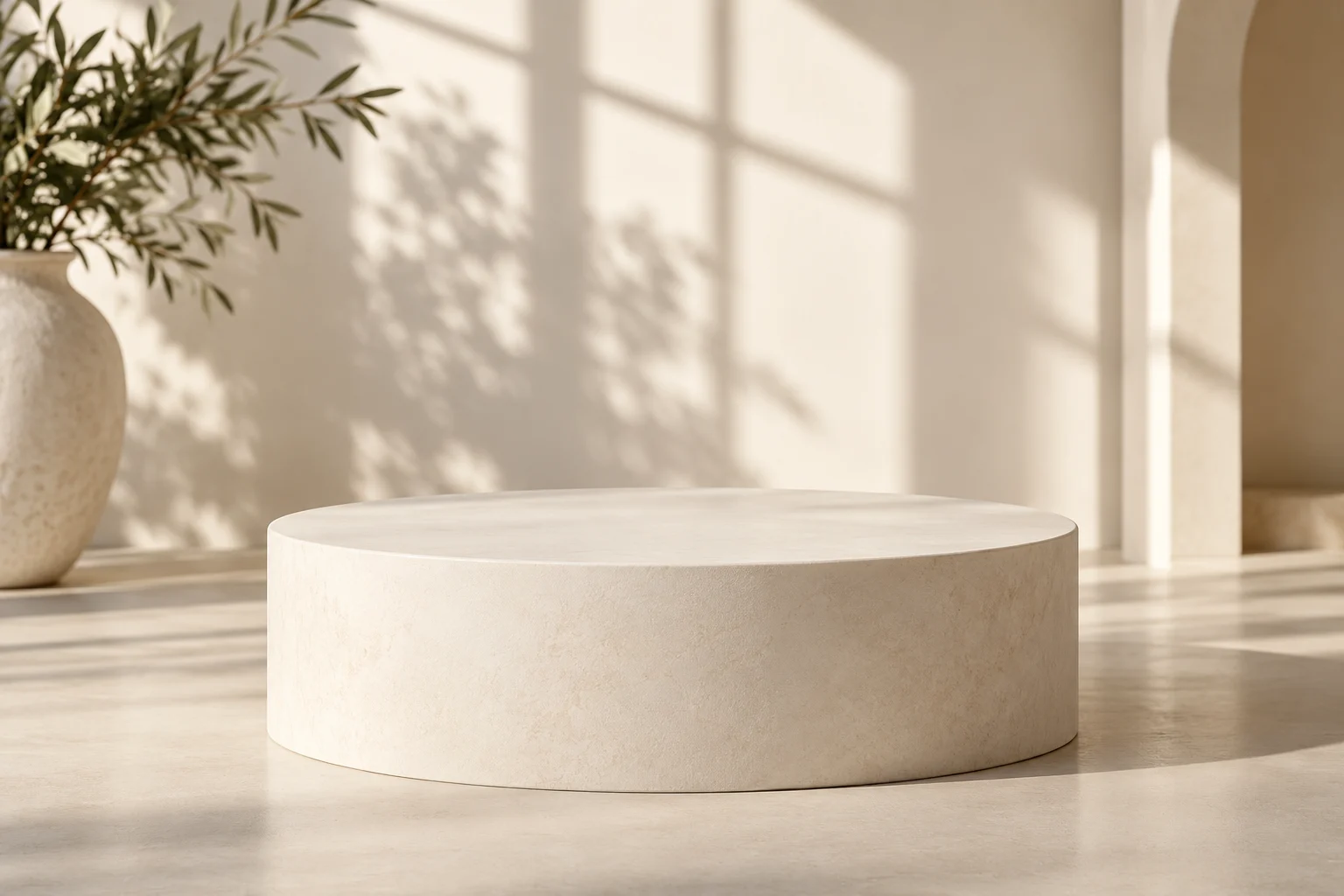
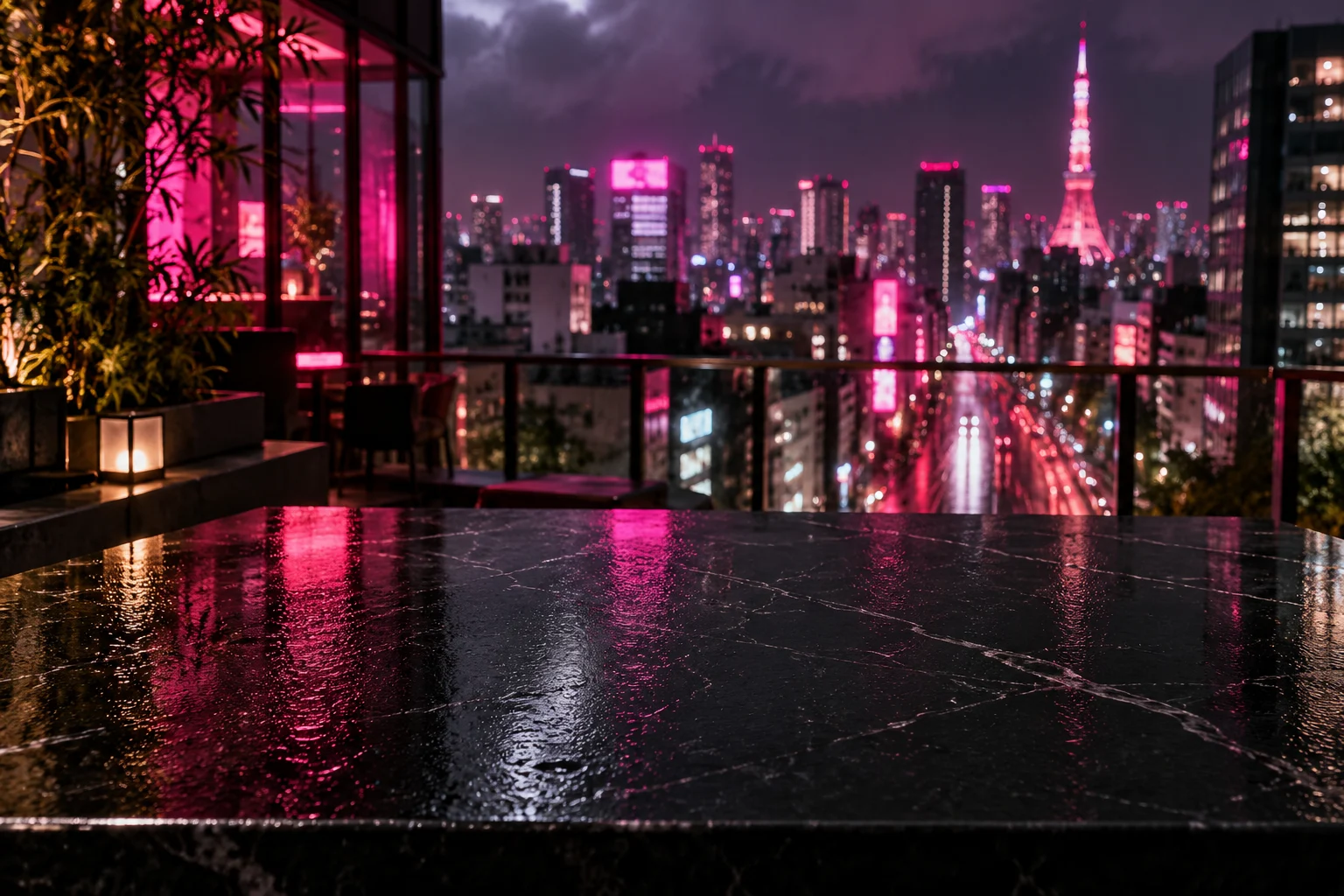
Your scene changes as you scroll.
Make it your shot.
Drag the product into place. Fine-tune scale, rotation, framing, light and shadow. Preview your brand wordmark before exporting.
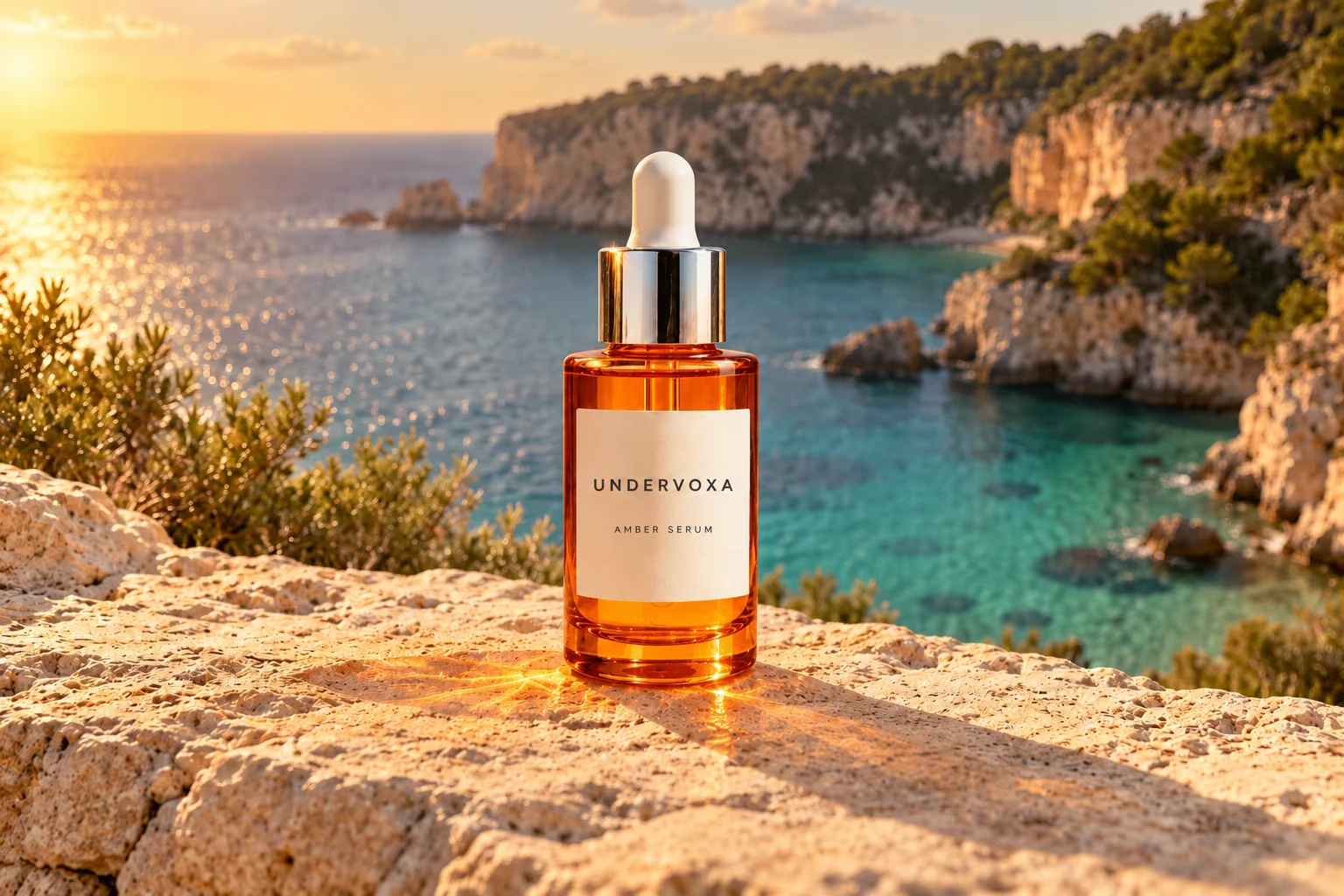
Position, framing, light and brand
Choose the format.
Build a square, portrait, story or landscape image. Save up to three custom sizes for other platforms and check each crop.
Download your images.
Open a product, review its generation batches and download each approved image as PNG or JPG.
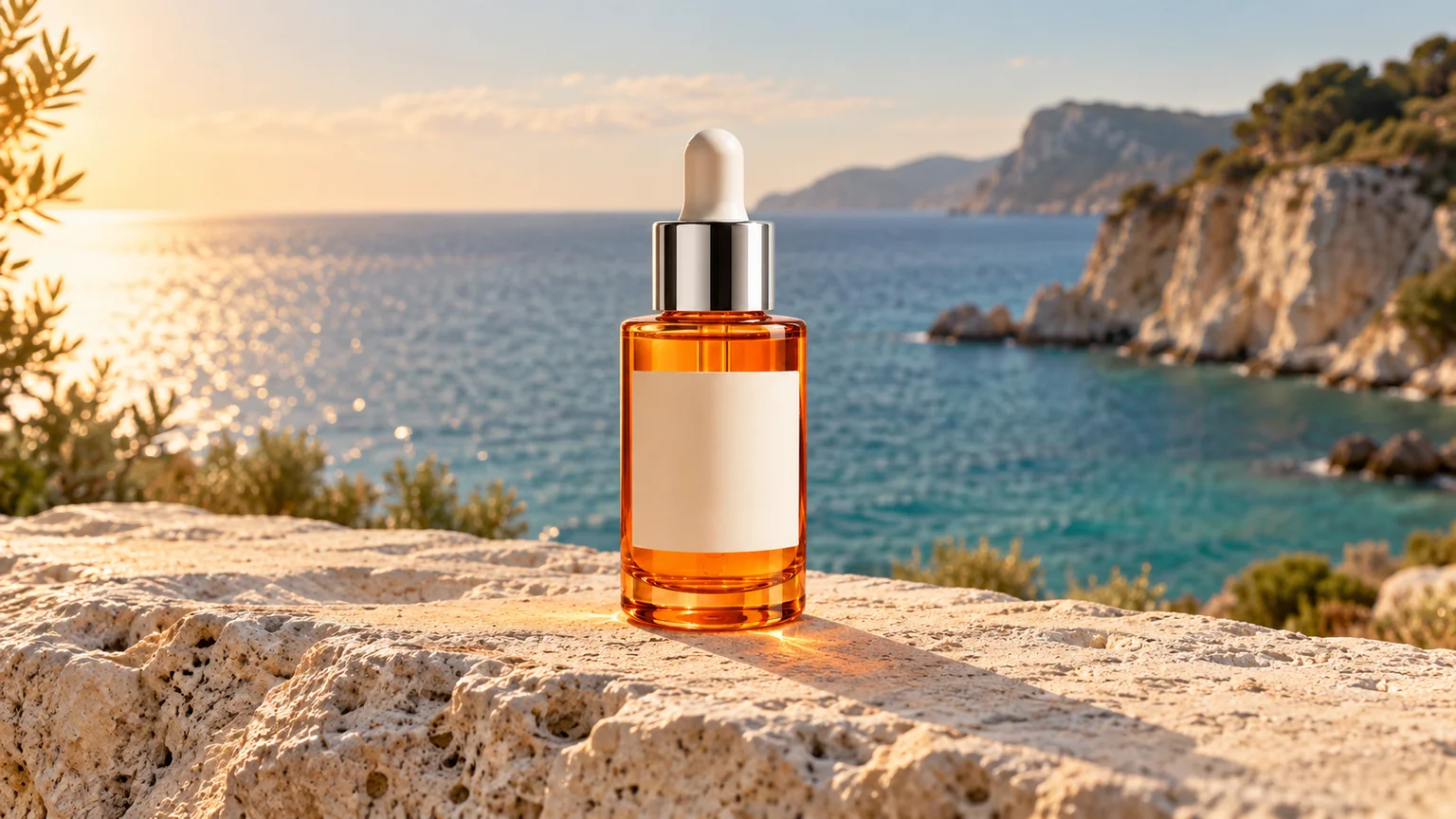
PNG · 1080 × 1350 px
Ready to downloadEvery product.
A world of its own.
Beauty, fashion and technology.
A fresh setting for every story.
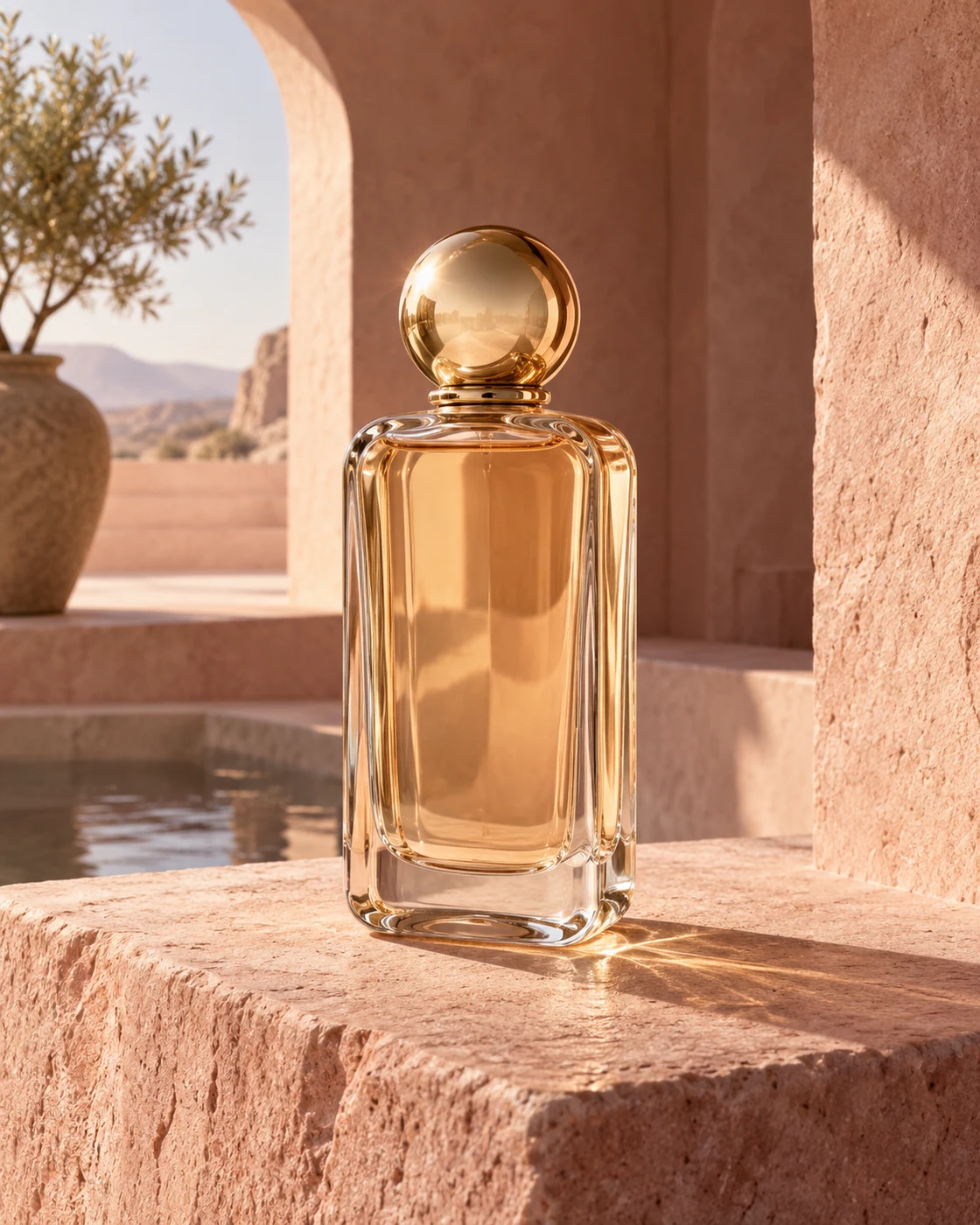 PerfumeRose sandstone
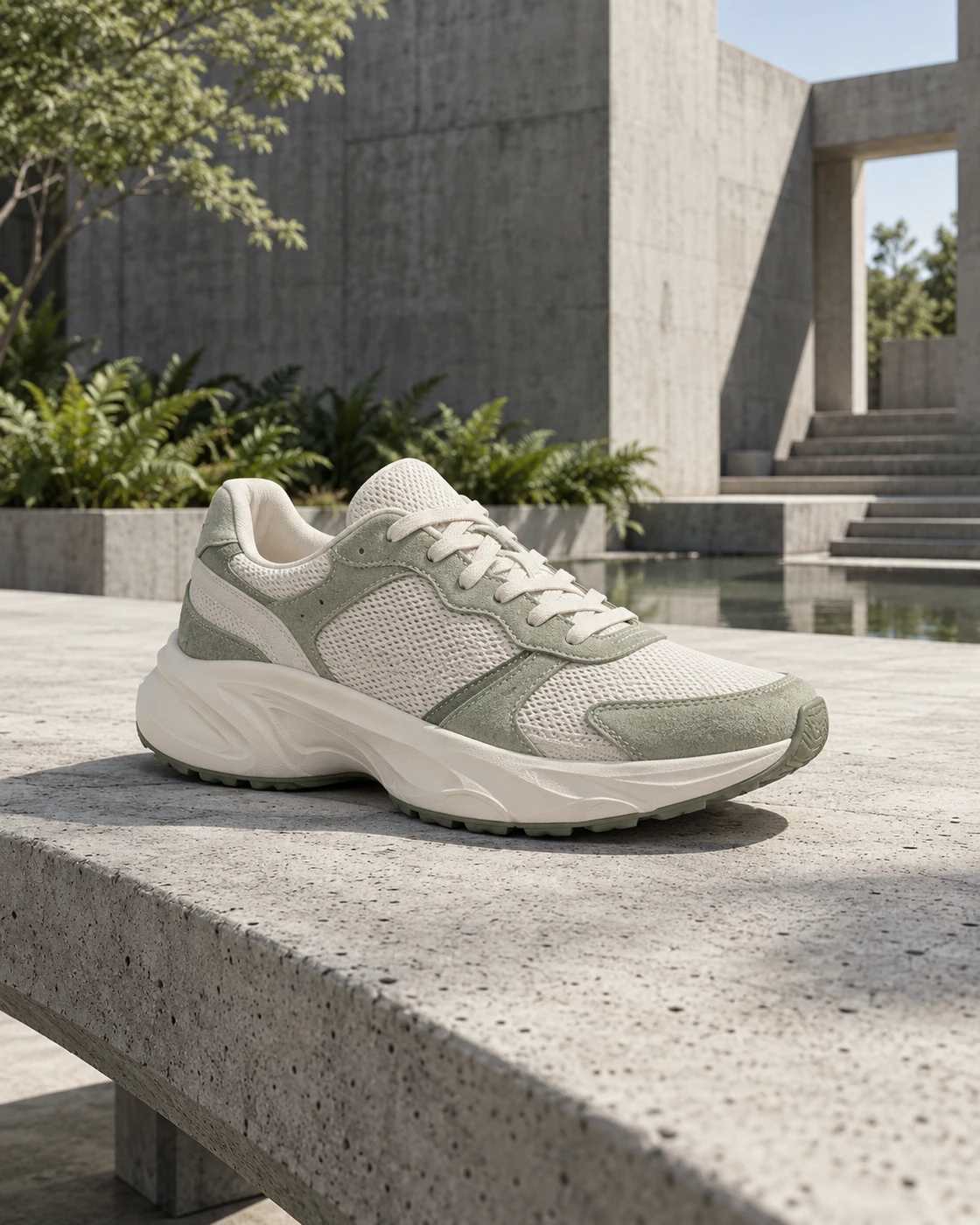 FootwearConcrete courtyard
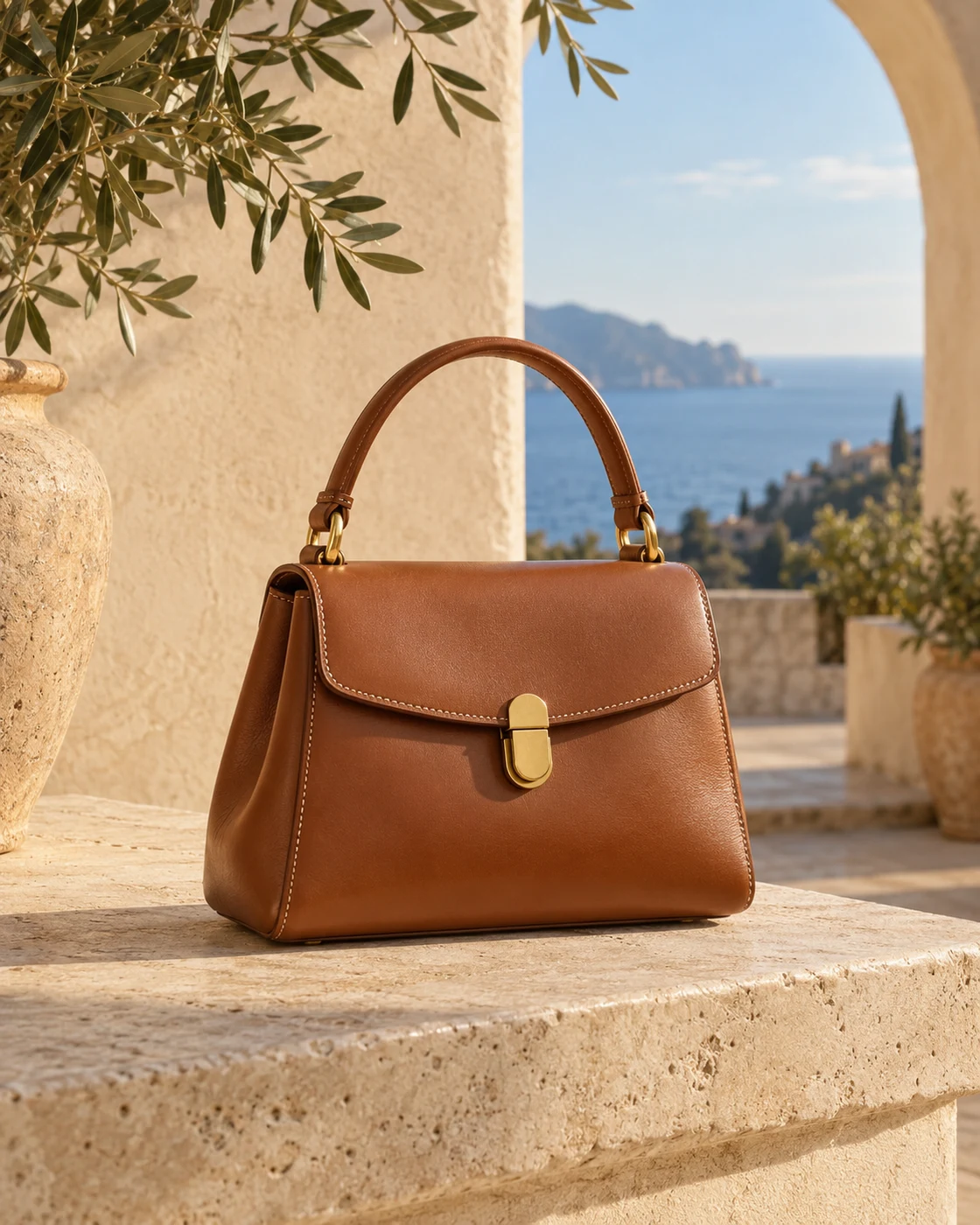 Leather goodsMediterranean terrace
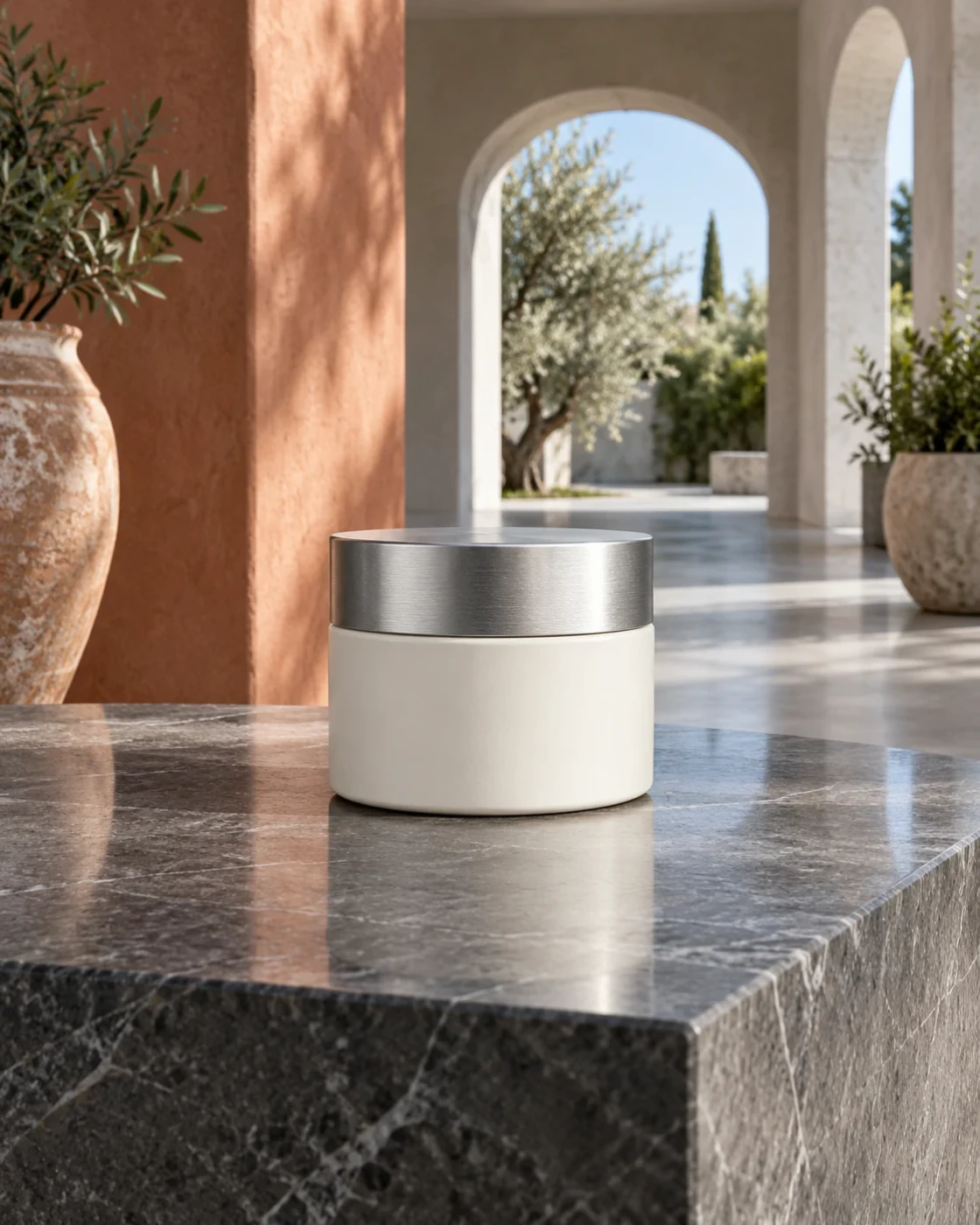 SkincareQuiet courtyard
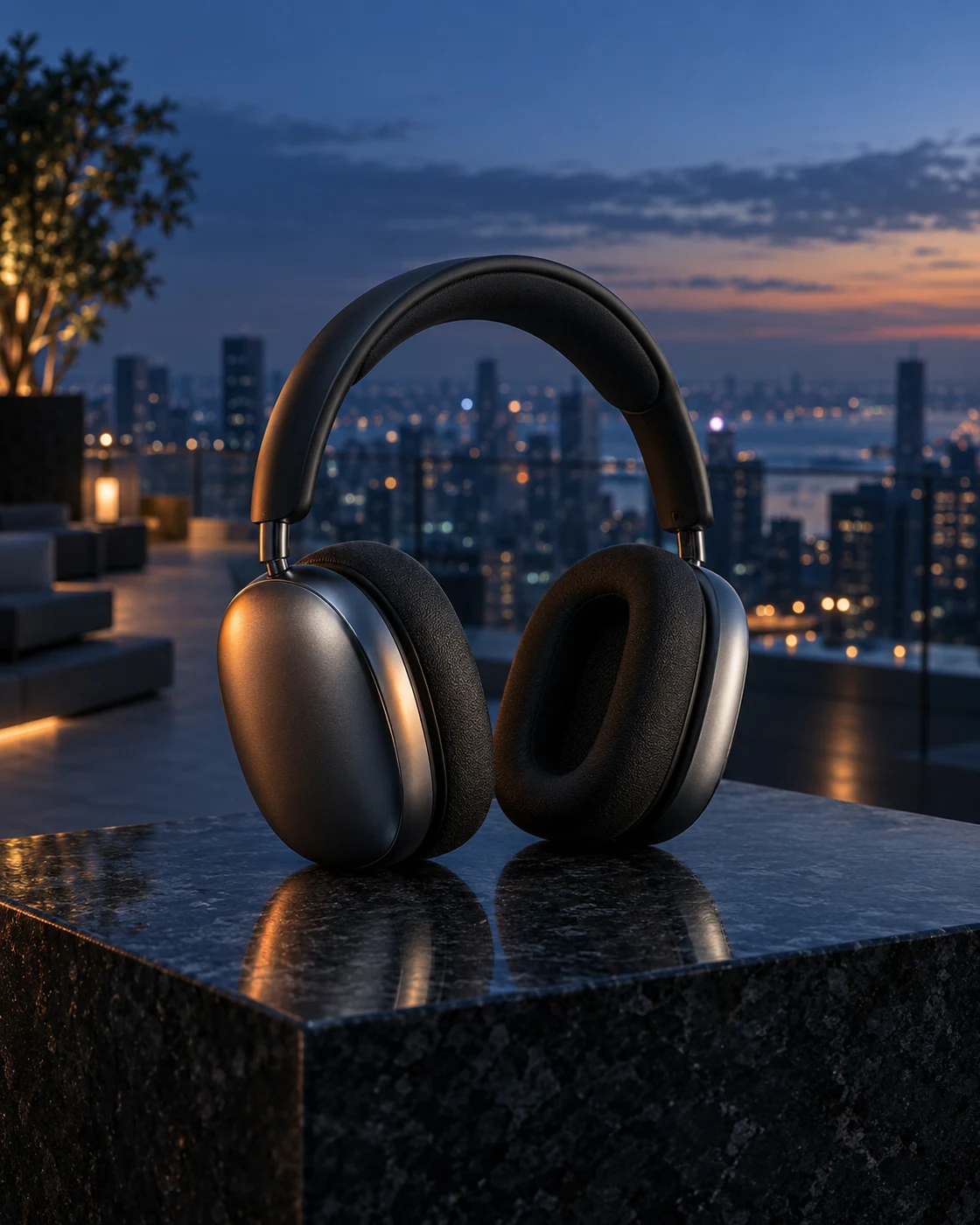 SoundCity at blue hour
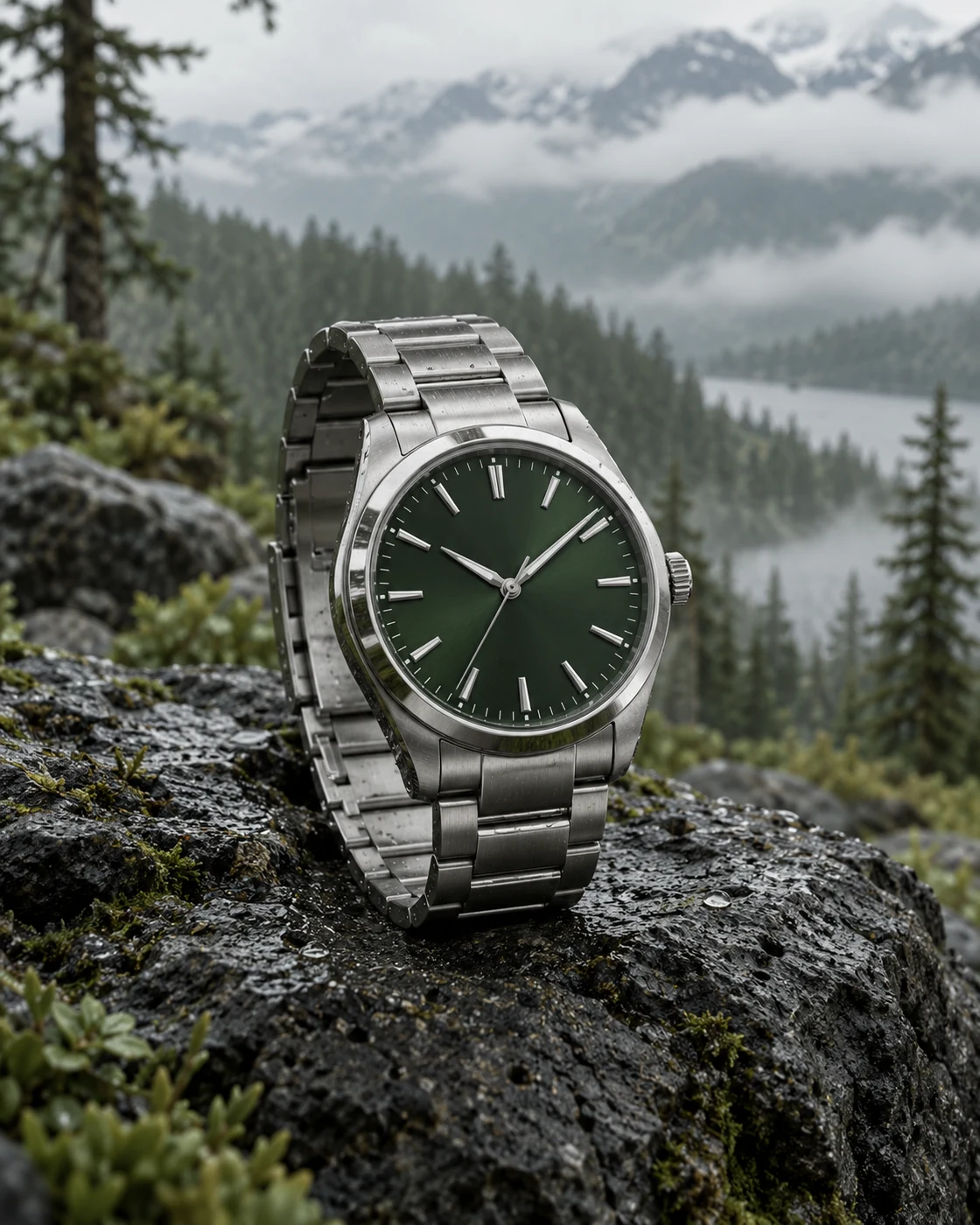 TimepiecesVolcanic landscape
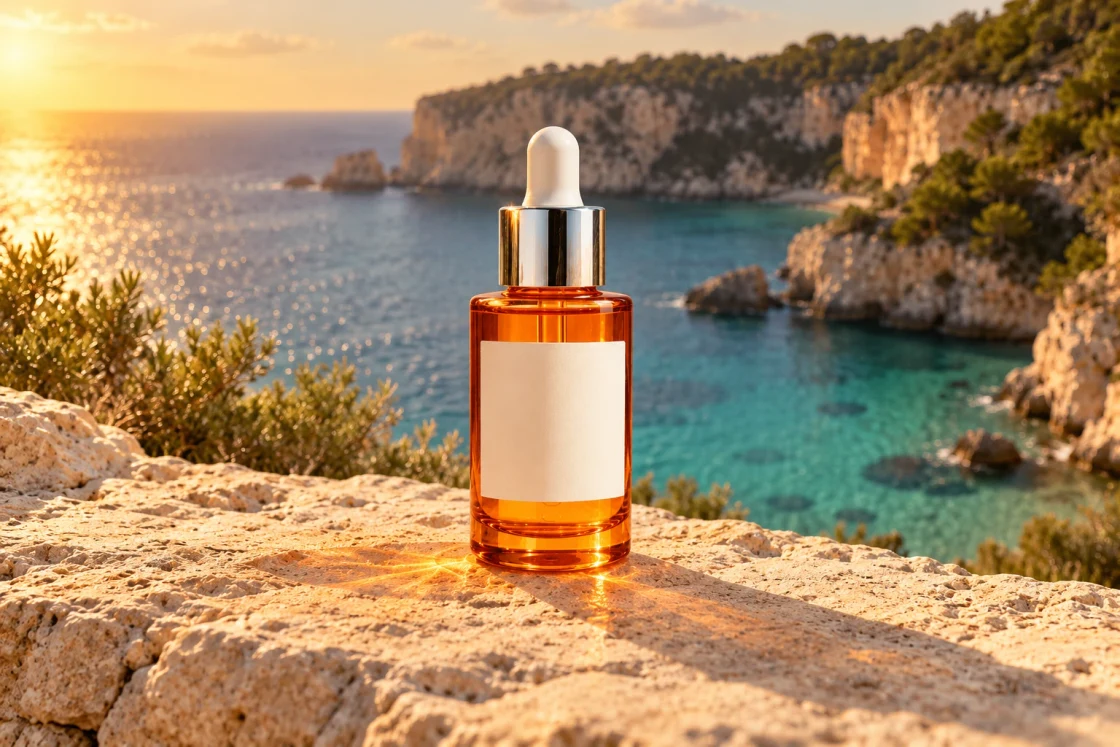 BeautyCoastal golden hour


